Best Laptops for Working From Home (2026)
SnipSnapy is reader-supported. As an Amazon Associate, SnipSnapy earns from qualifying purchases. How we make money
The short answer
For most home-office work (email, documents, spreadsheets, video calls and a browser full of tabs), you need 16GB of memory, a 512GB SSD and a screen you're happy to look at all day. Beyond that, pay for performance only if your work needs it: video editing, large datasets, software development or 3D.
Our picks:
- Most people: MacBook Air 13-inch M5. Silent, fanless, long battery life and plenty fast for office work. The current model starts at 16GB of memory and 512GB of storage, which is the configuration we recommend.
- Heavy workloads: MacBook Pro 14-inch M5 Pro. Much faster under sustained load, a brighter 120Hz display and more ports, including HDMI and an SD card slot, for people who edit video, compile code or work with big files. Apple announced an M6 base model and an OLED touchscreen MacBook Pro in late October 2026; we will review this pick once those are on sale.
If your employer's software is Windows-only, or you need a specific Windows app, buy a Windows laptop. Use the checklist below to compare.
What actually matters
Memory (RAM): 16GB is the floor
Video calls, browsers and collaboration apps all use a lot of memory. 8GB is no longer enough for comfortable multitasking. Choose 16GB for office work, and 32GB or more if you run virtual machines, large spreadsheets or creative apps. Memory usually can't be upgraded later, so buy what you'll need for the next four to five years.
Storage: 512GB, plus cloud
256GB fills up quickly once you add apps and offline files. 512GB is the sensible minimum; go to 1TB if you keep video or large project files locally.
Screen
You'll look at it for eight hours a day. Look for at least 300 nits of brightness (more if you work near a window), a resolution sharp enough that text looks crisp, and a matte or anti-glare finish if your room is bright. A 14-inch screen balances portability with room for two windows side by side.
Keyboard, trackpad and webcam
These are what you touch all day and what your colleagues see. Read reviews for keyboard feel and trackpad quality. A 1080p webcam with decent low-light performance is now the standard to expect for video calls.
Ports and docking
If you use an external monitor, count the ports. One USB-C/Thunderbolt connection to a dock can carry power, display and peripherals, which makes a laptop a proper desk setup. Check how many external displays the laptop supports before buying a dual-monitor dock.
Battery life
Real-world battery life on video calls is far below the headline figure. Apple's M-series laptops lead here; many Windows laptops have caught up on efficient chips. If you work from cafés or move around the house, prioritise it.
Mac or Windows?
- Choose a Mac if you already use an iPhone, want the longest battery life and a very good trackpad, and your work apps run on macOS.
- Choose Windows if your company requires it, you need Windows-only software, or you want a touchscreen, a 2-in-1 or a wider choice of price points.
What to ignore
- Benchmark scores for office work. Every current laptop handles documents and calls.
- Gaming graphics unless you actually game. They cost battery life and weight.
- 4K screens on small laptops. Sharper than you can see, and they drain the battery.
When to buy
Laptops are discounted most during back-to-school season (July–September), Black Friday, and when a new chip generation launches, which drops the price of the outgoing model. See the best time to buy electronics.
How we picked
We compare specs, independent performance and battery testing, and long-term owner feedback on build quality and reliability. We don't accept payment for picks. More on how we pick.
Browse every pick in Audio & Tech.
Products in this guide
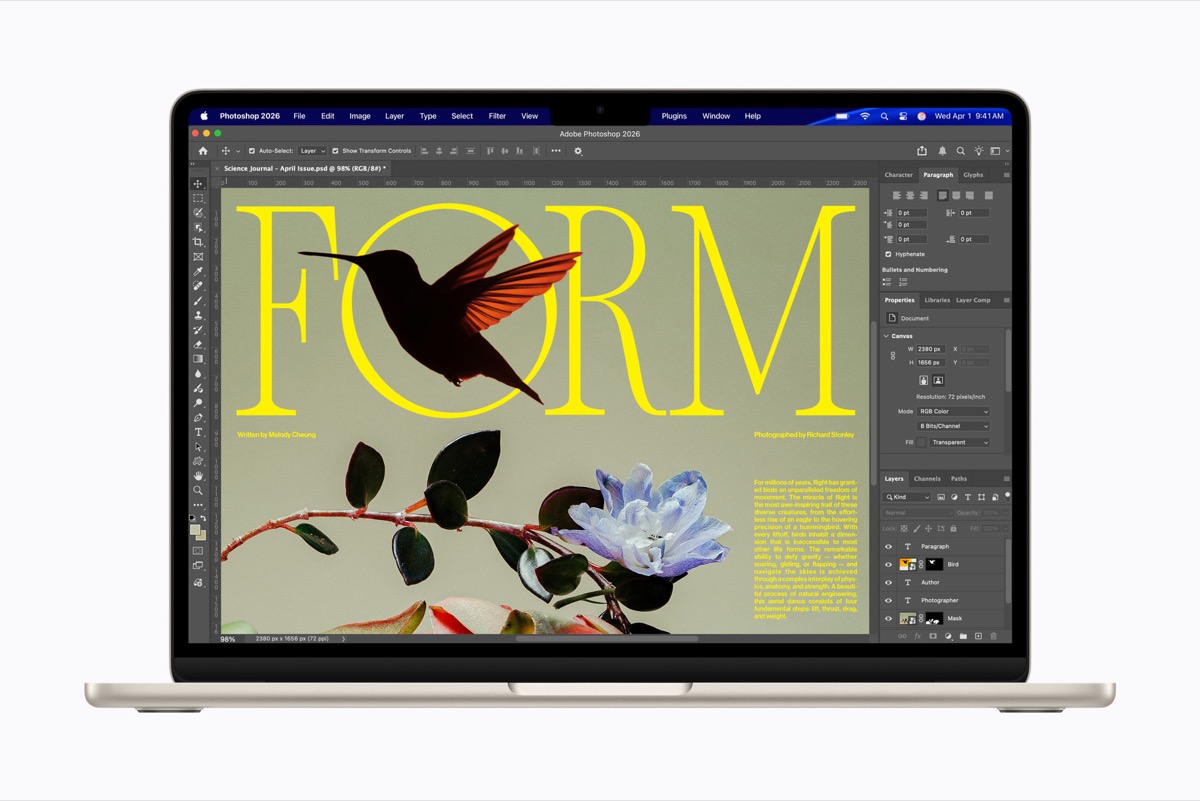
Apple MacBook Air 13-inch M5
The default Mac laptop for students, home and office work: silent, light and long-lasting, with enough headroom that most owners will not need a Pro. The trade-off is a standard 60Hz LCD with no HDR and only two Thunderbolt ports.
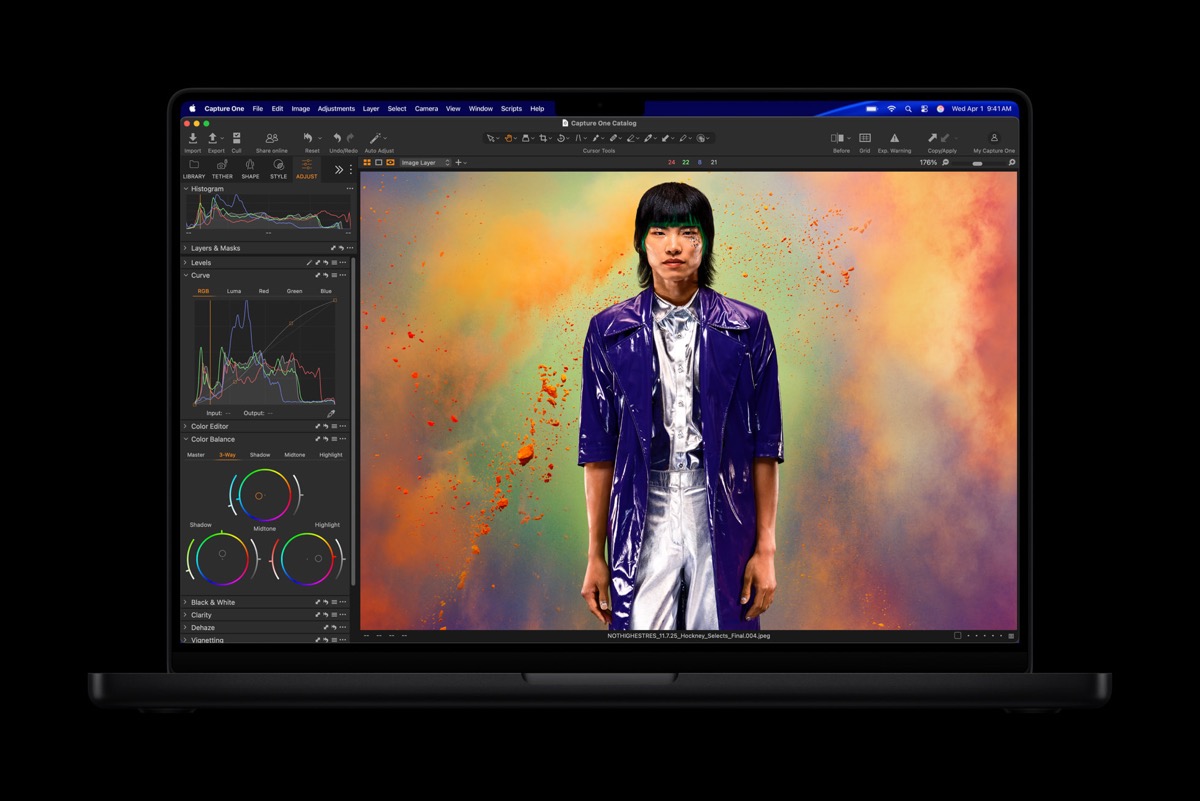
Apple MacBook Pro 14-inch M5 Pro
The sensible high-end MacBook for video, photo, code and music work: sustained performance, a bright 120Hz display and a full set of ports. In late October 2026 Apple added an OLED touchscreen MacBook Pro above it and an M6 base model below it, so check whether either fits better before buying.